Roam Offers
Roam via 'Mo Creds
WanderJoy Deals
Roam Offers
Roam via 'Mo Creds
WanderJoy Deals
Roaming is just a few taps away with GOMO!
Go to SHOP on the GOMO PH app.
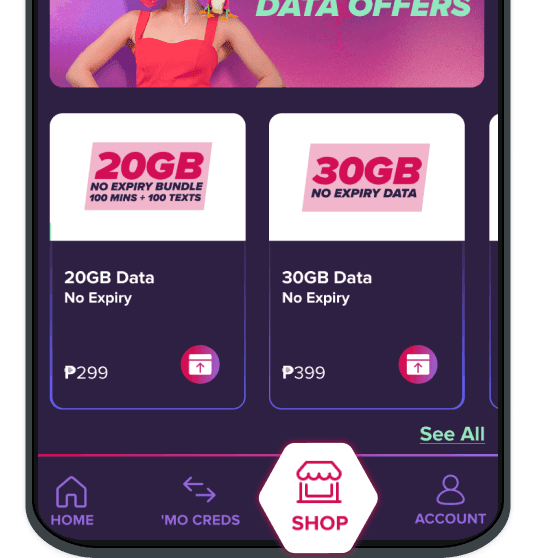
Tap on the Roaming tab and select the offer you want to avail.
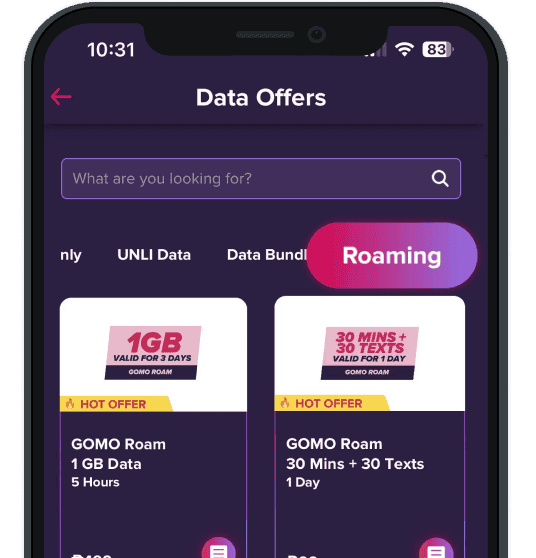
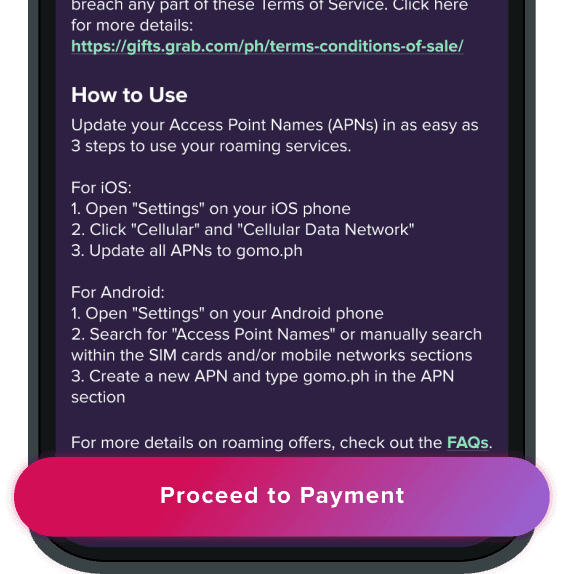
Click Proceed to Payment to pay for your selected offer.
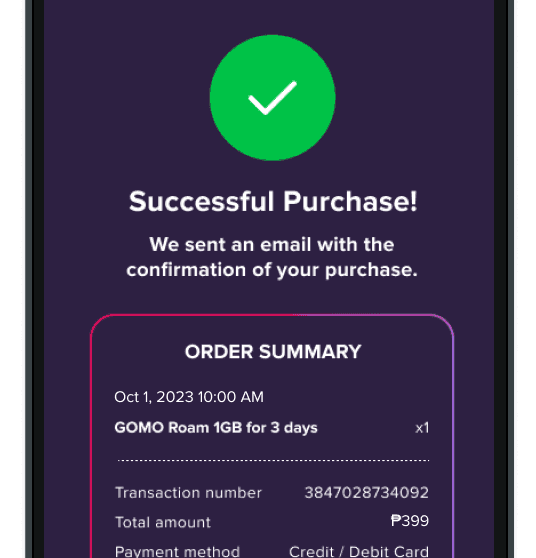
Confirm and enjoy!
You’ll see an in-app notification for every successful purchase.
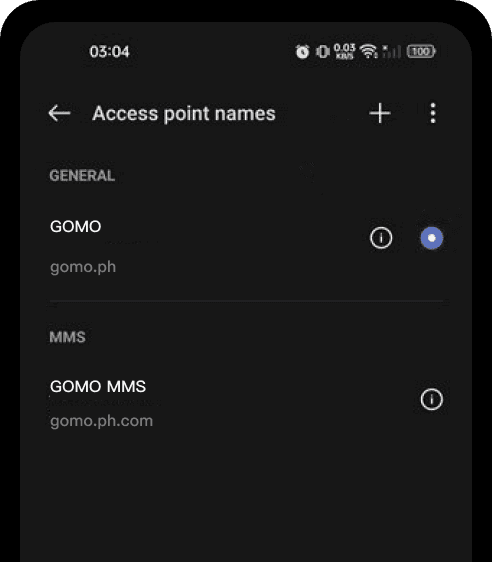
Ready to roam? Change your APN settings in 3 easy steps!
Open Settings on your phone.
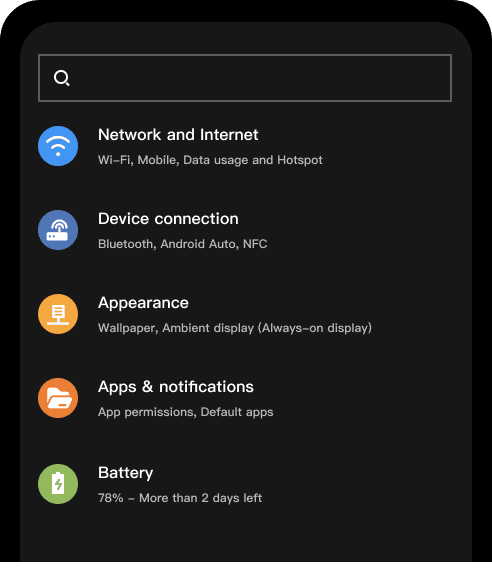
Manually search for Access Point Names or click Cellular / Cellular Data Network for iOS, SIM Cards & Mobile Networks for Android.
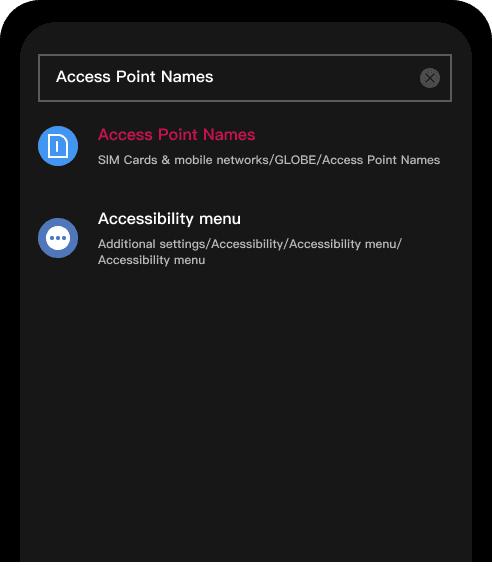
Create and/or update all APNs to gomo.ph.
QUESTIONS YOU MAY HAVE
Can I avail multiple roaming promos?
How can I activate the roaming promo?
Will I lose my roaming signal if I don't have an active roaming promo?
Do I still need to request for deactivation of my GOMO roaming service when I return to the Philippines?

Check out all FAQs
Only available in the GOMO PH app.
Download now!
Download now!
Available for iOS and Android.




About GOMO
ASC Ref. Codes
Terms & Conditions
Privacy Policy
Follow Us


